Glossary of Resin 3D Printing Terms
The Ultimate Guide to the Hobby of the Future
“When printing, this model keeps showing signs of poor build plate adhesion. Maybe I need to increase the exposure time on my SLA printer, tweak the supports in the slicer, edit the STL file itself — or even replace the LCD screen.” A sentence like that might have dealt psychic damage to Henry Ford a century ago — or made Arthur C. Clarke tear up with excitement. And that’s the thing: resin 3D printing doesn’t exactly look like the most accessible hobby at first glance.
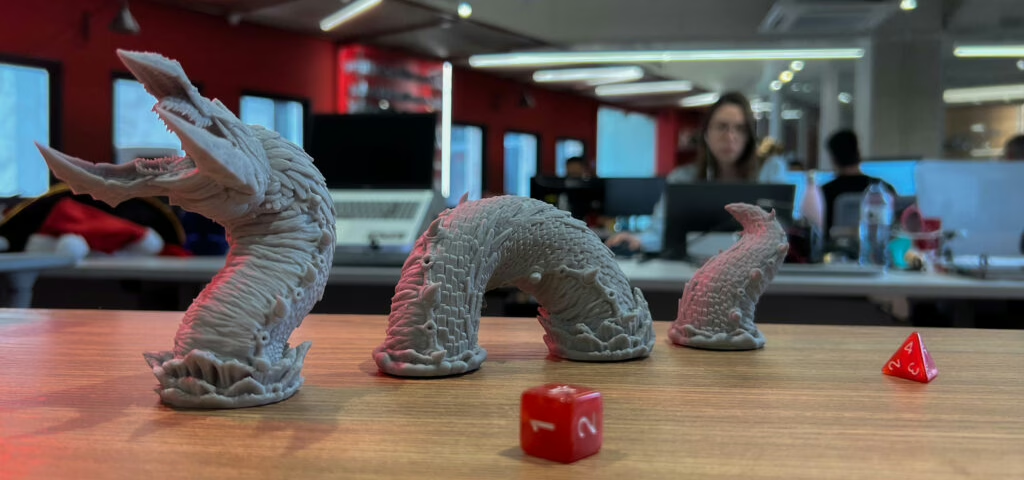
Yes, there’s a learning curve — just like any craft worth doing well. But the creative possibilities far outweigh the initial hurdles. This guide breaks down the key terms and concepts of resin 3D printing, focusing specifically on SLA (and its close cousin, MSLA) printers. These machines use UV light to cure liquid resin layer by layer — forming your miniature upside down inside a vat — and remain one of the most efficient ways to produce highly detailed models for your RPG table.
And, talking about miniatures, if you haven’t checked our free STLs, here’s your opportunity!
405nm UV
The 3D printer emits a specific type of light to cure resins. You’ll often see “405nm” in a resin’s title or description, which shows it’s compatible with your printer. On an example of a purchasable resin container, you’ll see this “nm.” It stands for nanometer, or one billionth of a meter, which is the wavelength of UV lights. These lights have a frequency beyond the visible spectrum, and manufacturers chose them due to…eh, I’m digressing.
Build Plate
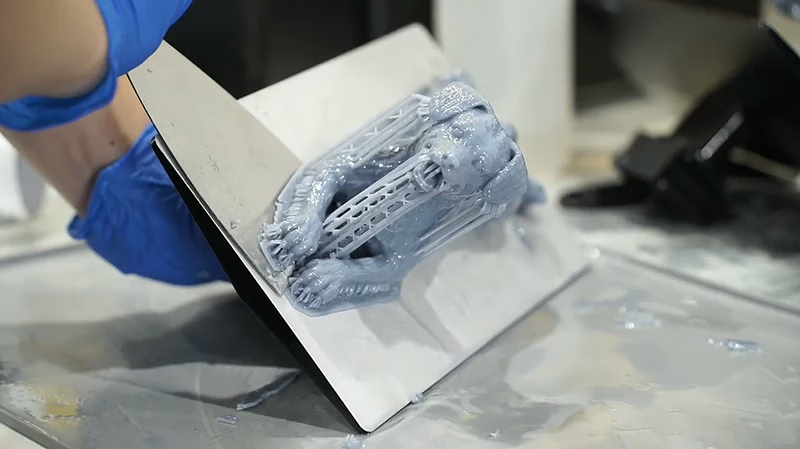
(Almost always a) metallic surface onto which the resin adheres to. This first layer is essential since the next ones will depend on it to manufacture the 3D object. It can be perforated or marked with ridges to provide better support.
This silvery part is where your resin first sticks to. A finished piece looks like the one on the right. Source: Al Williams, Hackaday.
CAD
Computed-aided Design, both in 2D and 3D, refers to using programs to design, draw, model, and sculpt digitally.
CAM
Computer-aided manufacturing is the process of using special software to manufacture objects. 3D printers, CNCs, and laser cutters are some of the most popular ones that see home use.
DLP
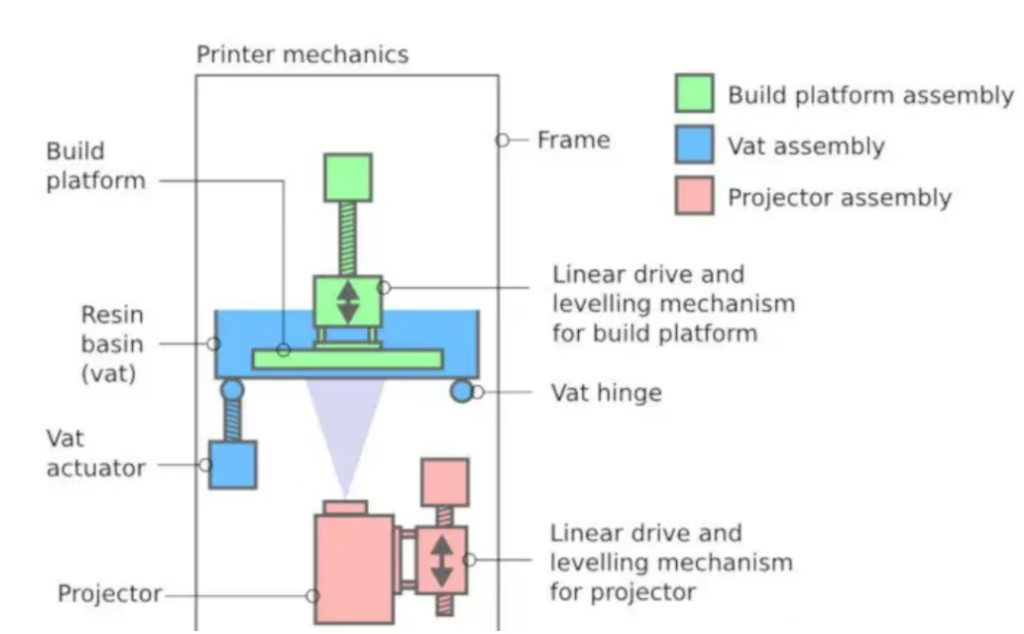
Digital Light Processing is another type of resin 3D printer. Instead of using an LCD mask, it uses a digital projector to flash an entire layer image into the resin at once. Each projected pixel corresponds to a point in that layer. It’s similar in concept to MSLA, but the light source and projection method differ.
Exposure Time
The period during which the resin is subjected to UV light to cure. The more exposure time it gets, the harder it will be (with lots of caveats). First layers, for instance, get more seconds of it.
Bottom Layers / Bottom Exposure
The first few layers of a print receive longer exposure times to ensure strong adhesion to the build plate. These layers form the foundation of the print. If they fail, the entire print fails.
FEP Film
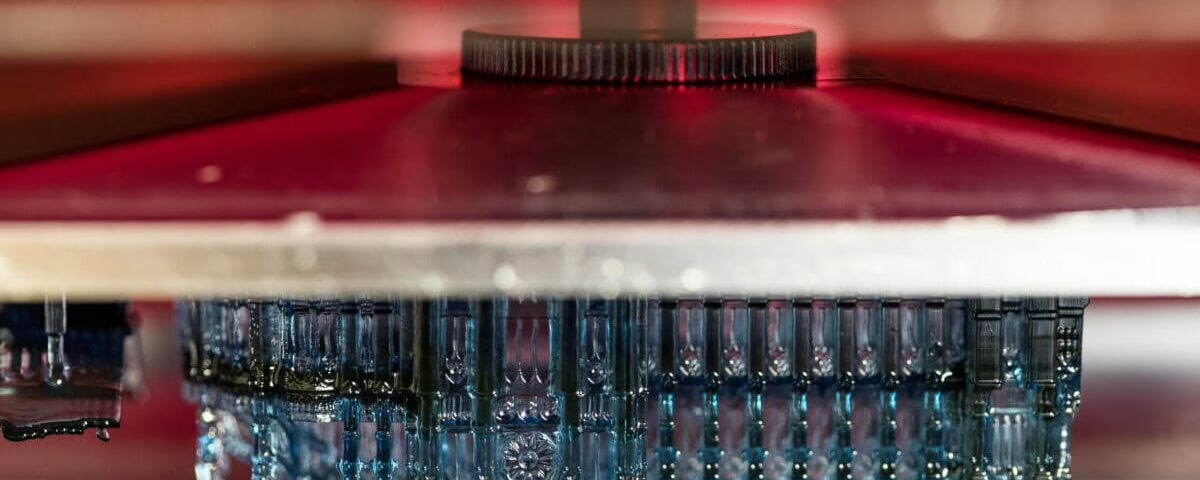
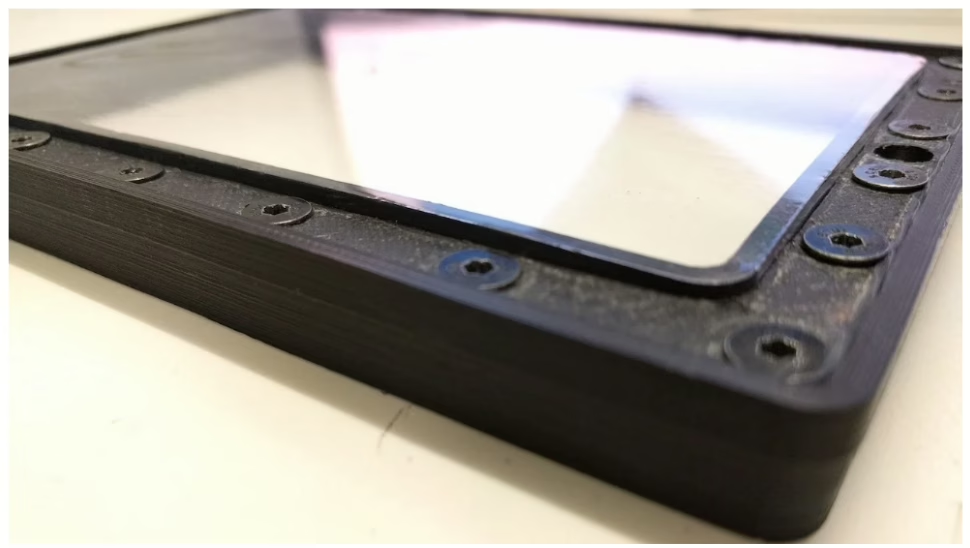
Fluorinated Ethylene Propylene films are the standard for resin printers. These films stretch over the vat, contacting both the resin and the UV light generator. This position enables the light to pass through during the curing process. They also have good chemical resistance and non-stick properties.
Peel Force
The mechanical force required to separate a cured layer from the FEP film after each exposure. Managing peel force is critical for print success, especially with larger models. Lift speed, wait time, resin viscosity, and support structure all influence it.
Layer
A single, thin 2D cross-section of a 3D model that is cured at one time during printing. Resin printers build objects by stacking hundreds or even thousands of these layers on top of one another. Each layer is formed by exposing a specific pattern of UV light into the resin vat.
Layer Height
The thickness of each printed layer along the Z-axis (vertical direction). Smaller layer heights improve vertical resolution and surface smoothness, reducing visible layer lines. However, they do not change horizontal (XY) resolution, which is determined by pixel size. Typical resin printers use layer heights between 0.05mm (standard) and 0.03mm (high detail).
Levelling
The process of aligning the build plate so it sits perfectly parallel to the LCD screen and FEP film. Proper leveling ensures even first-layer adhesion and consistent curing across the entire surface. If prints fail early, leveling is often the first thing to check.
LCD
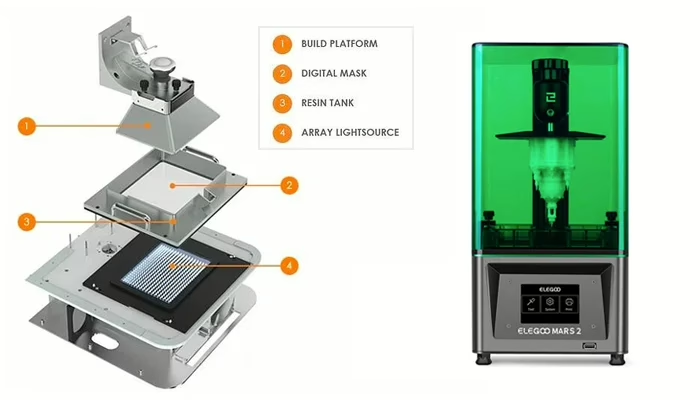
Liquid Crystal Display (don’t say LCD display!!!). LCD printers are the type of resin printer that uses a monochromatic display to flash UV lights in patterns to cure resin.
MSLA
Masked Stereolithography Apparatus. Another for of resin 3D printing that is essentially a single UV light source, of which incidence is masked by an LCD screen. It’s what allowed for more compact, cheaper (= for home-use!) 3D printers.
PPE
Personal Protection Equipment. Mandatory for handling and post-processing 3D printed parts, until their complete cure. Usually consists of gloves, goggles (or some sort of face shield) and masks with respirators.
Post-processing
Can either mean the procedures required to make 3D printed objects out of resin safe to handle (washing and curing) or those involved in bettering it aesthetically, such as cutting, filing and sanding support leftovers of imperfections.
Build Volume (Print Dimensions)
The maximum printable size your printer can produce, usually expressed in millimeters (width × depth × height). This determines how large a single object can be or how many smaller pieces you can print at once.
Resolution
In resin printing, resolution usually refers to XY resolution — the smallest horizontal detail the printer can reproduce. This depends on both the screen’s pixel count (4K, 6K, 8K, etc.) and its physical size. A higher pixel count only improves detail if the screen size remains the same. What really matters is pixel size (measured in microns). Smaller pixels = finer detail.
Resin
Thick liquid that gets polymerized into a solid in a 3D printer. There’s an article written by a very handsome person on the many different types of resin and their diverse applications.
Slicer
A type of software constantly used in 3D printing that takes a virtual 3D object and converts it into instructions for manufacturing with a 3D printer. In this type of program you can tweak layer heights, exposure times and support configurations.

STL
One of the many possible file formats often used for 3D models to be printed. Others, but not all of them, can be .3MF, .3DM and .3DS.
Supports
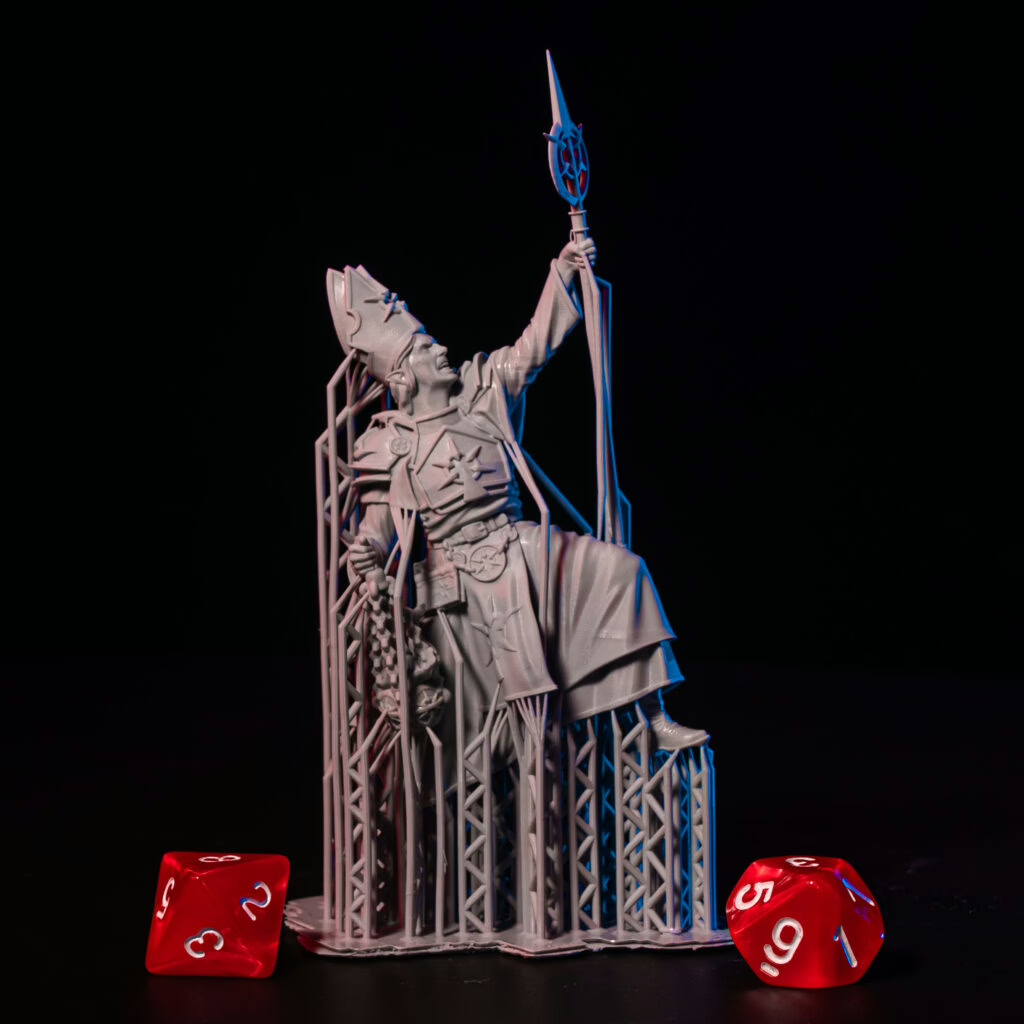
Temporary structures printed alongside a model to anchor overhangs and prevent “islands” (floating geometry). They help manage peel forces during printing and ensure each new layer has something to attach to. Supports are generated in slicer software or pre-built into a model. After printing, they are removed during post-processing.
Vat
Often called build tank or resin tank. Sealed underneath with the FEP film, where it makes contact with your UV light source.
Voxel
A volumetric pixel — the 3D equivalent of a pixel. In theory, it represents the smallest unit of volume in a digital model. In practice, the smallest printable detail depends on pixel size (XY resolution), layer height (Z resolution), light bleed, and resin behavior — not just a single “voxel.”
Final Thoughts
As always, I’m hoping this list has been helpful in giving basic terms and definitions that will help guide you into this activity. Most of these terms have their own sub-definitions, specializations, niche use-cases and the like, but you can slowly build up your vocabulary. If I may provide some motivation on learning the ins and outs of 3D printing, why don’t you check out some 3D printer models, the best types of resin for printing miniatures, and how to remove support marks from your models? Good printing!
Loot Studios can help you paint highly detailed minis, statues, and props. Choose your favorite bundle from our previous releases or sign up for Fantasy or Sci-Fi to receive a new bundle every month. You can also check out some tips on our YouTube Channel.